E-commerce · 2026

Poseidon365

Running the visual side of a real online store.

Visit poseidon365.com ↗

Poseidon 365 sells drones, gaming gear and aquariums on its own website and on four marketplaces. I update the website, design the banners and listing visuals, manage the marketplace panels and look after the ads.

Working here gave me the chance to experience and observe every side of an e-commerce company up close: the panels, product listings and everything in between.

Most of it meant learning a new tool first: the Ticimax admin panel, four seller panels, store design and ad modules, and now Google Ads. I use AI mainly to automate recurring work.

At a glance

Role
Visual design and e-commerce operations
Timeline
2026, ongoing
Platforms
Ticimax, Trendyol, Hepsiburada, n11, Amazon, Google Ads
Tools
Claude, Kling, Premiere Pro
Deliverables
Website updates, marketplace banners, listing visuals, a landing page, product videos
Skills
Marketplace panel management, product listings, banner design, ad setup, workflow automation

01 · Starting point

Three product types, one store.

Drones, gaming gear and aquariums each look different, but they are sold under one brand, on one website and on several marketplaces.

I kept the existing identity and focused on making it consistent everywhere the products appear.

02 · Website on Ticimax

Making a template feel like our own.

The website started as a plain Ticimax template. Instead of replacing it, I tried to make it feel less like a template while keeping it simple: our own banners, sliders and category visuals, and clearer product sections, all set up in the Ticimax admin panel.

The panel was hard at first. Each area has its own module, image sizes and limits, and many changes only work in one particular way. I learned it by trial and error, and now I can manage the site’s content on my own.

Home page
Product listing with a category banner
Drone category banner
Product videos and category tiles
Drone guide and footer
Aquarium category banner
PIHA slider on the home page

PIHA landing page

A page for the drone line

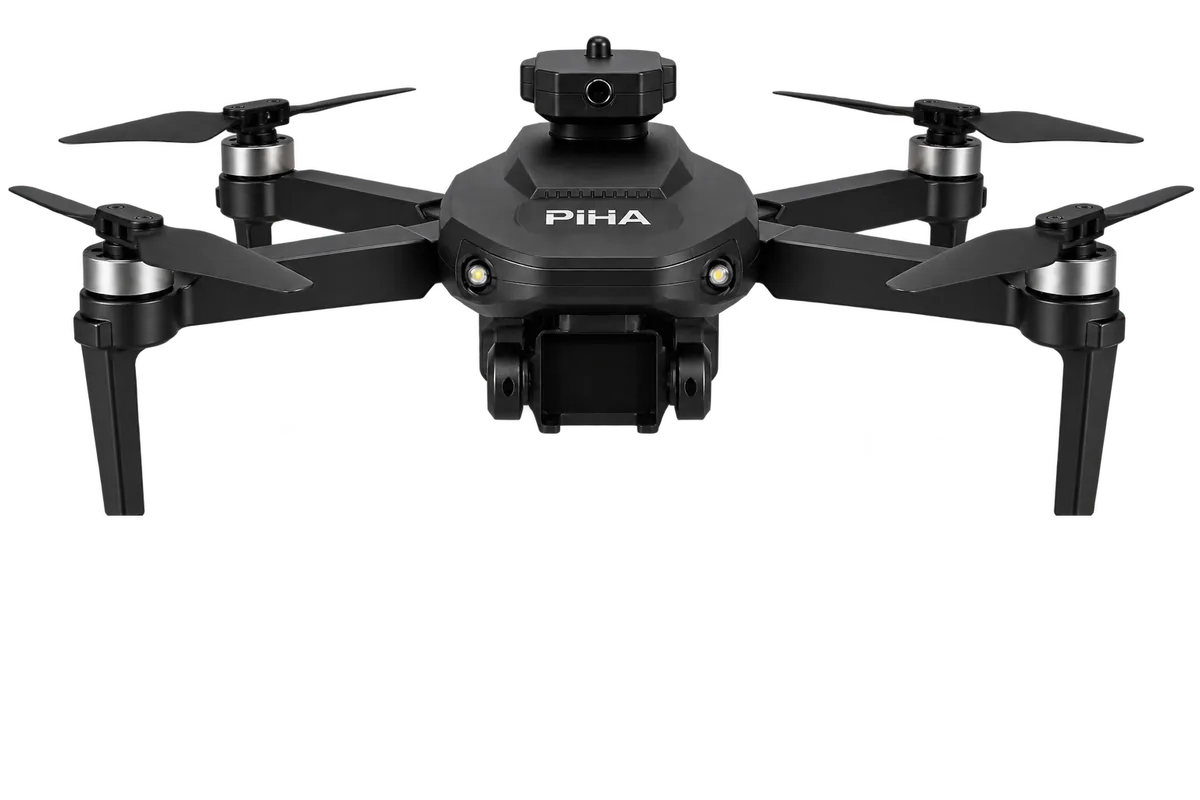
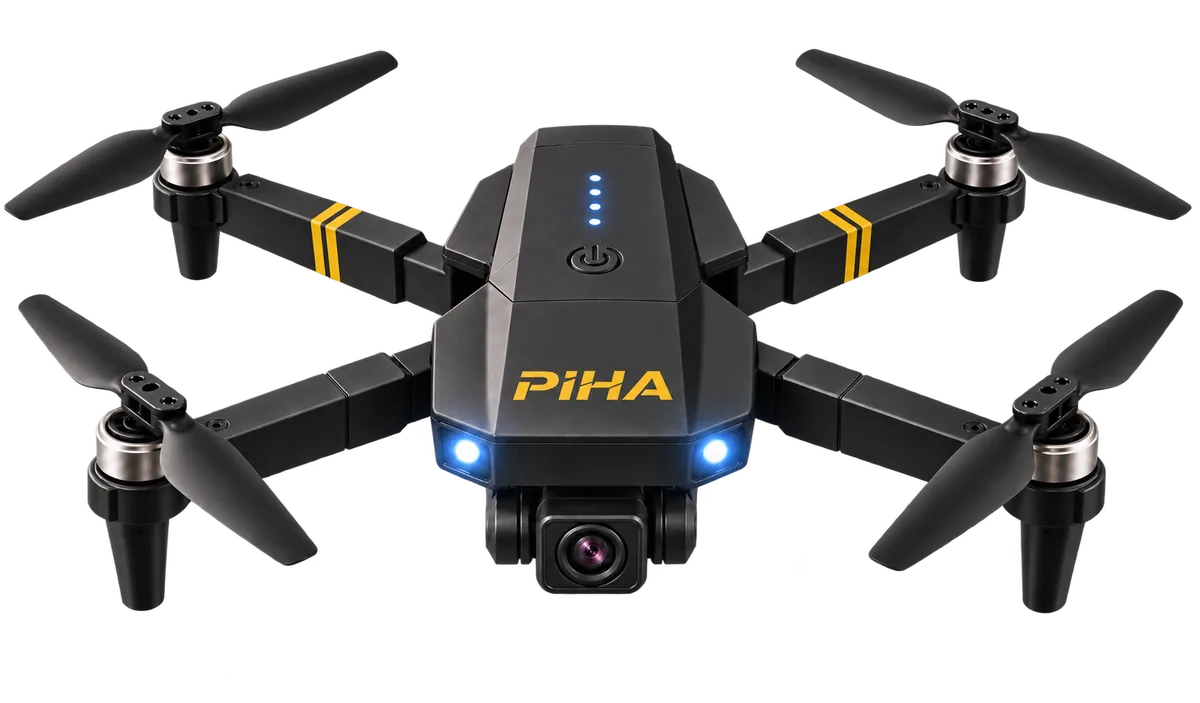
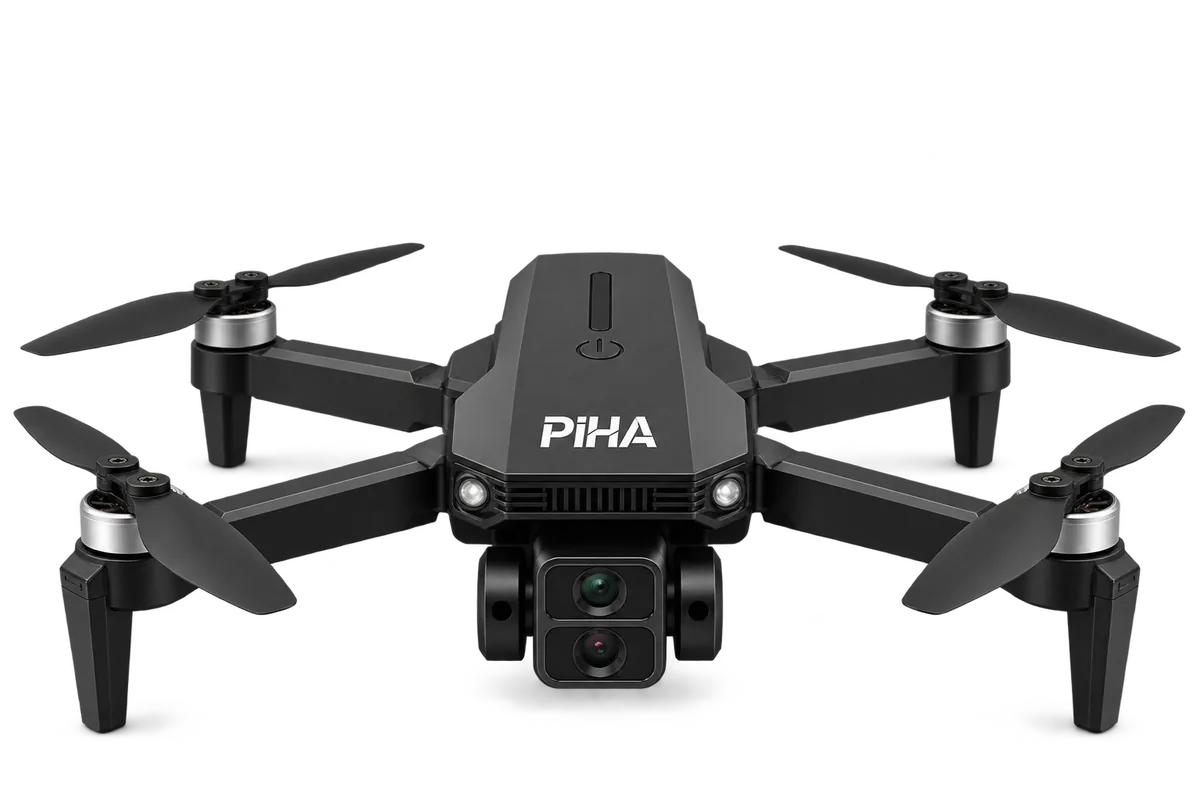
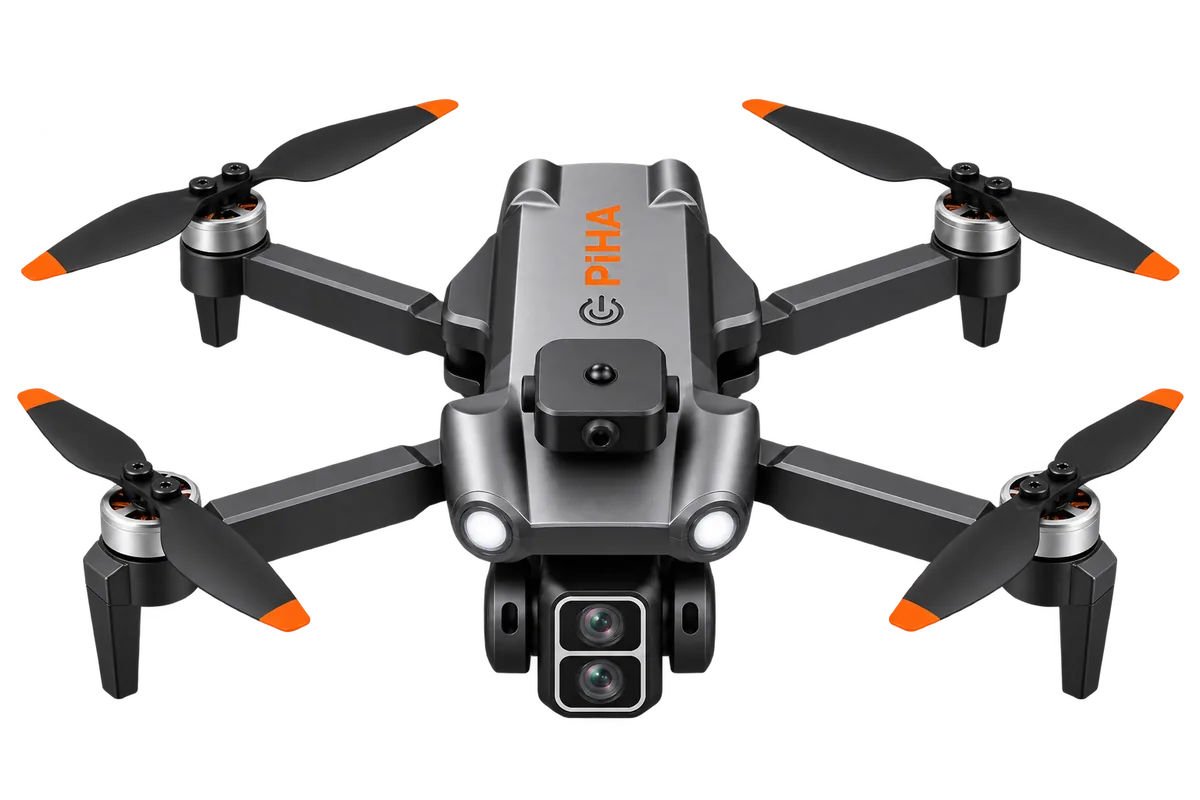
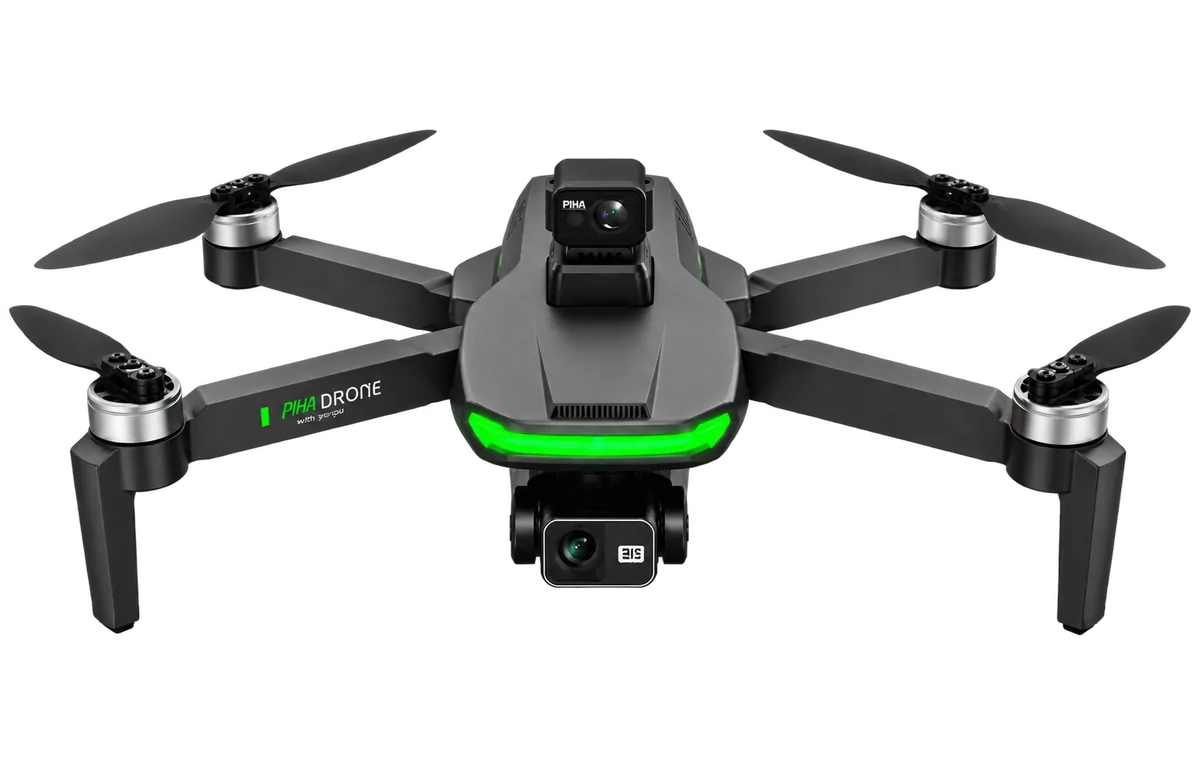
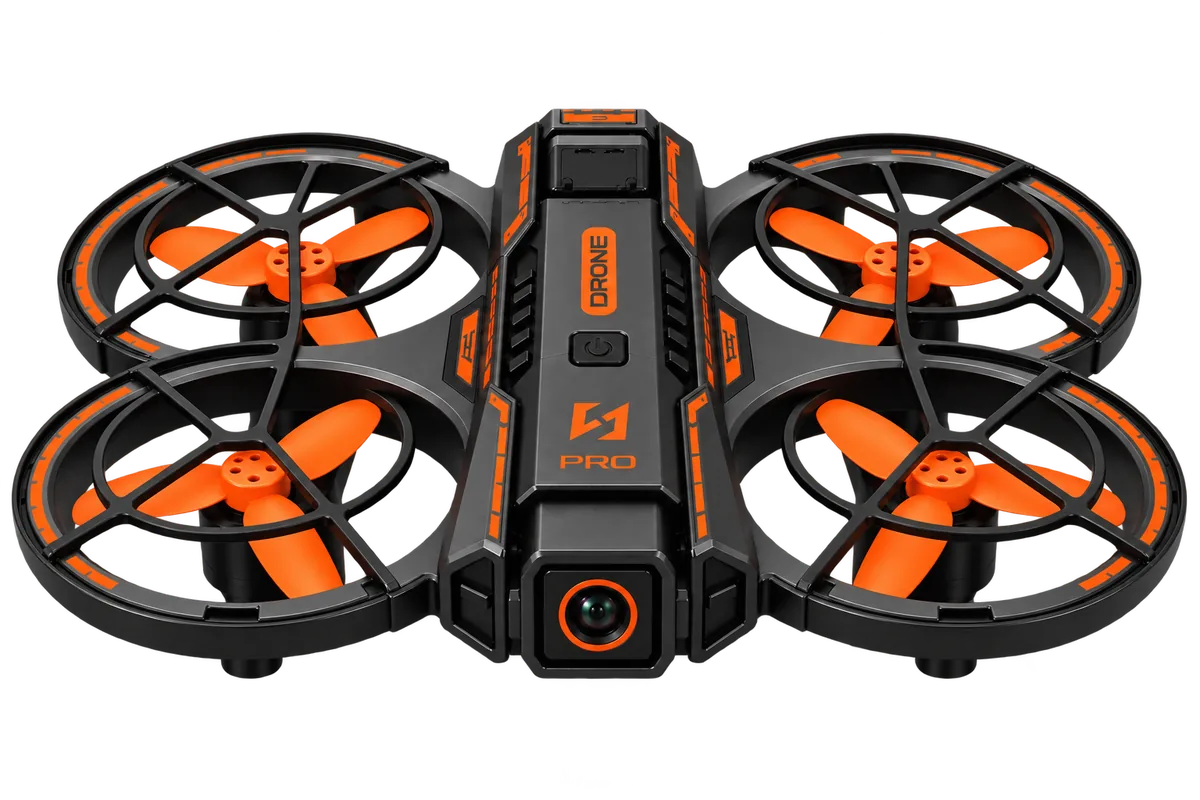
I tried branding PIHA (Poseidon’s own drone line, short for “Poseidon unmanned aerial vehicles” in Turkish) on a page of its own.

Open the landing page ↗

The landing’s opening scene with its live water effect.
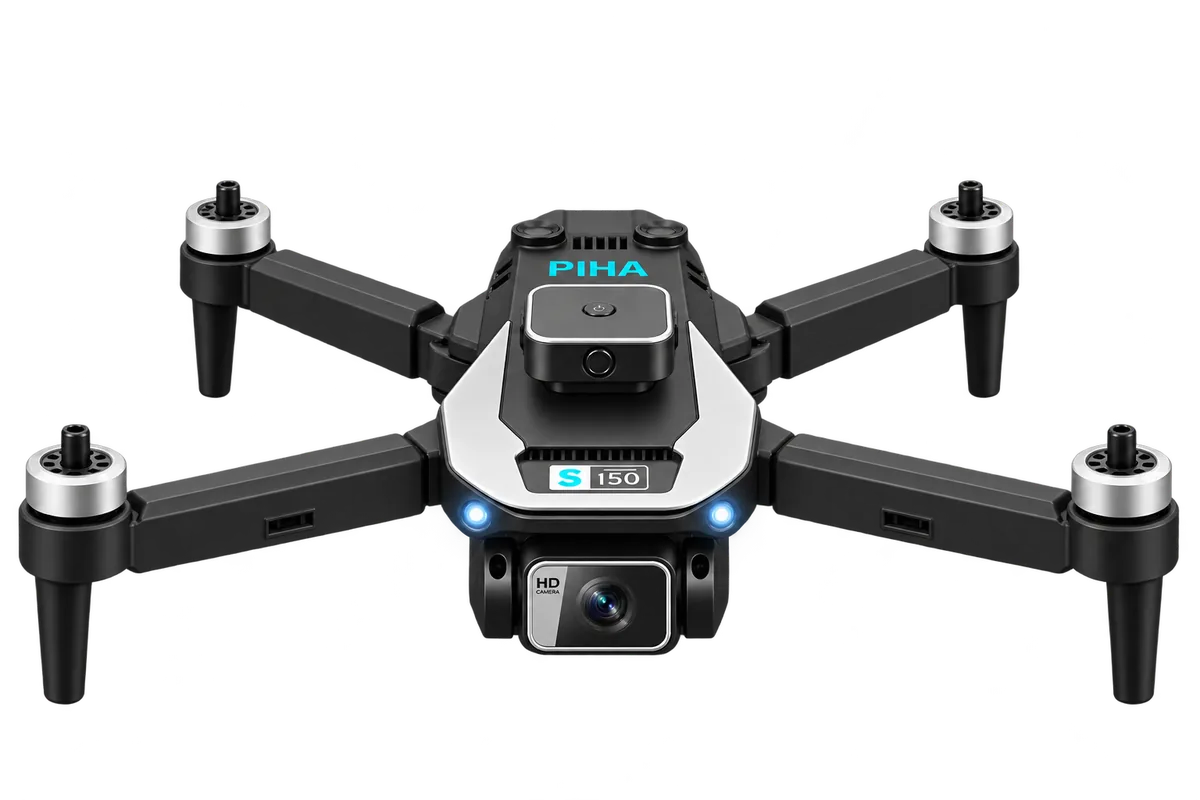
PIHA S150
S150: propellers speed up while you scroll.
PIHA S130
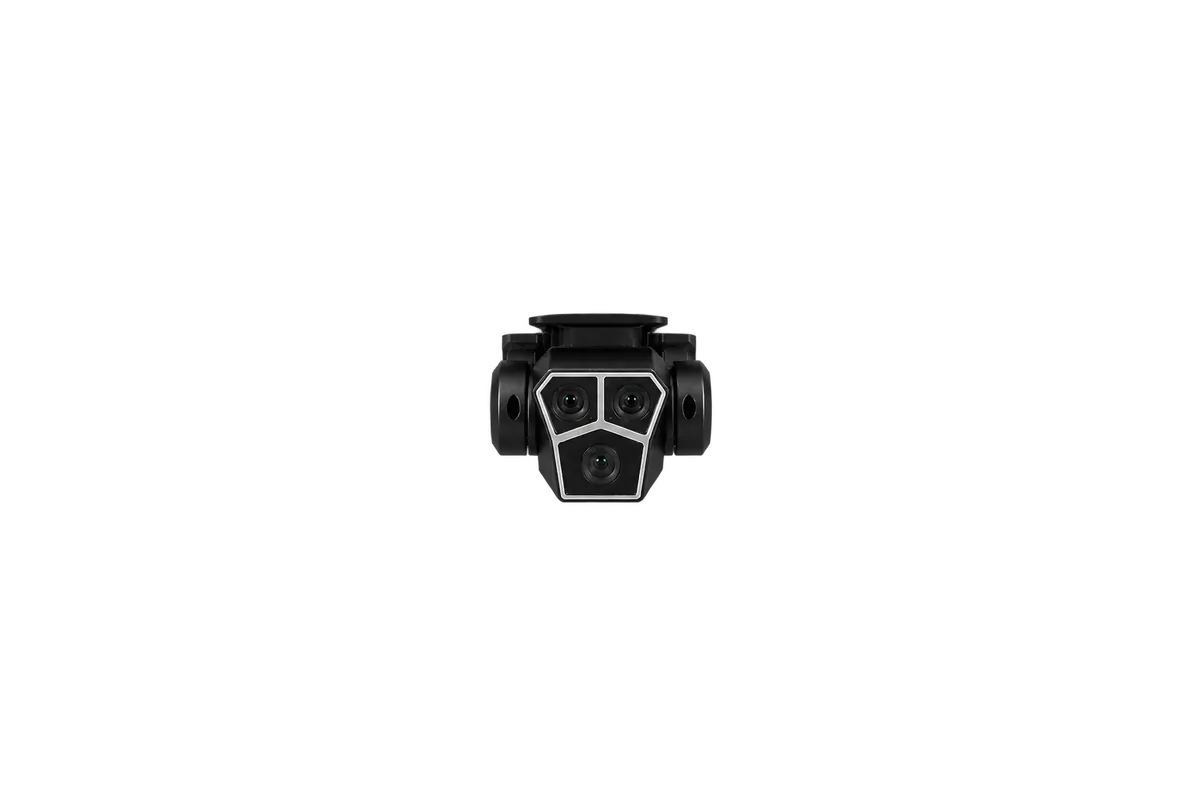
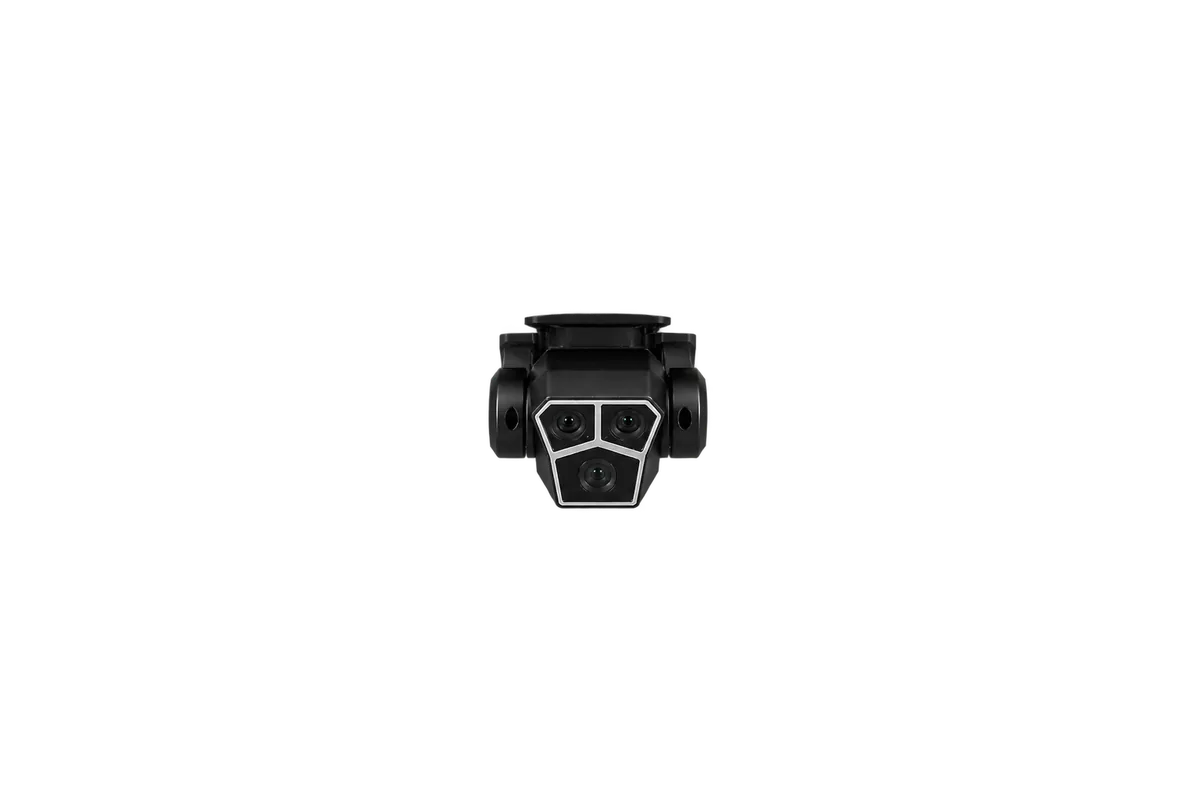
S130: the camera changes angle.
  • PIHA E58E58
  • PIHA E100E100
  • PIHA S760S760
  • PIHA S119S119
  • PIHA S155S155
  • PIHA S190S190
All models on one page, split into E and S series.

03 · Banners for the panels

One banner per model.

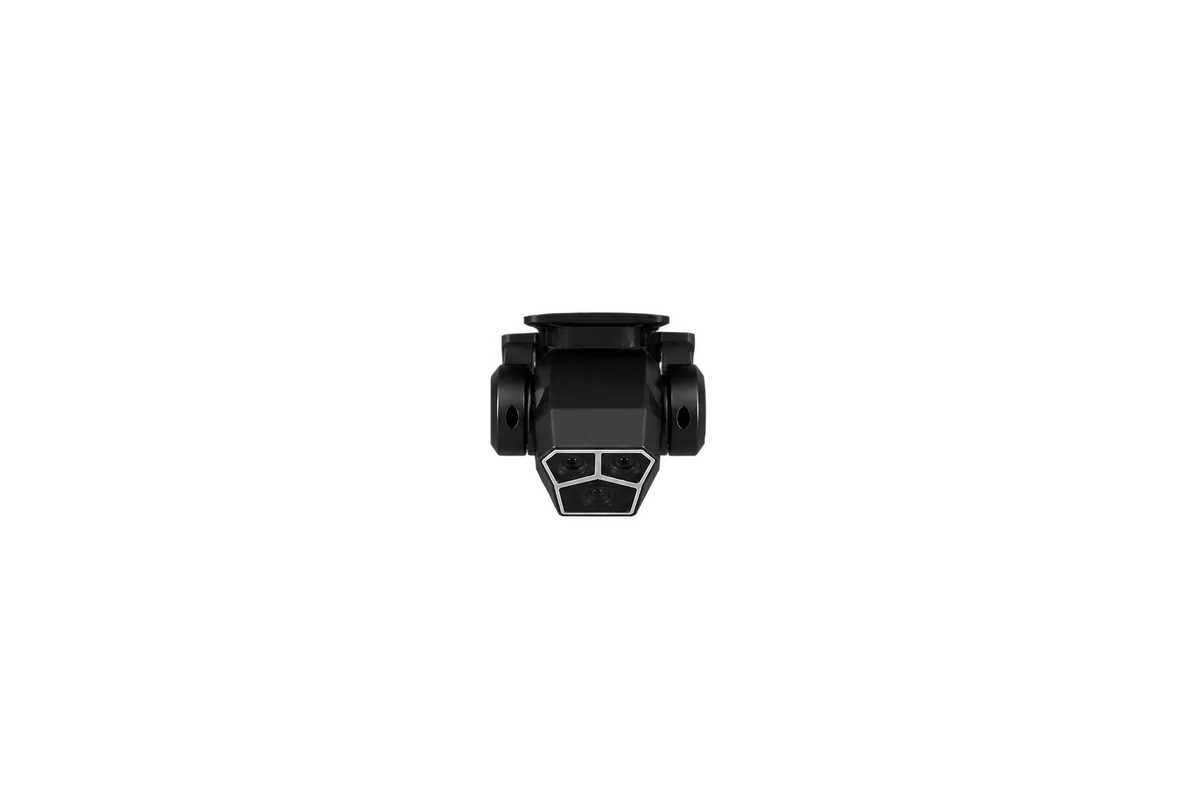
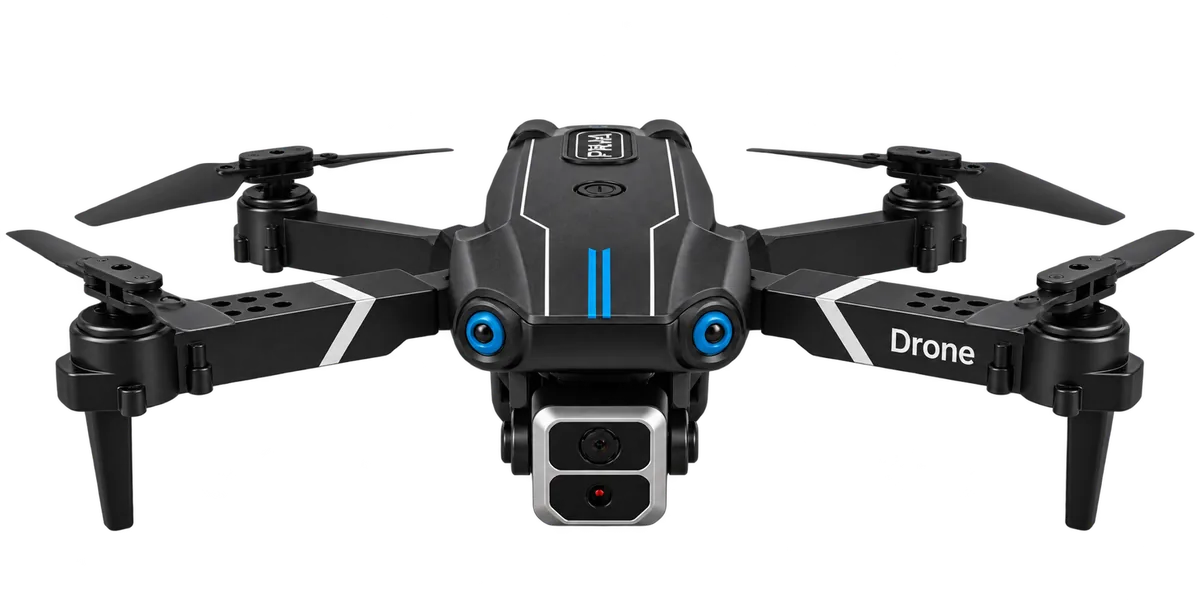
For the PIHA drone line I designed a product banner for each model and uploaded them to the marketplace panels. Each one follows the platform’s size and content rules and shows the model name and the specs buyers compare first: camera, flight time, battery.

Each model has its own colour and background, so they read as one series but are easy to tell apart. I made campaign banners for sale days the same way.

Campaign banners for Trendyol’s sale days

04 · Marketplace panels

Learning four seller panels.

I learned to work in the seller panels of Trendyol, n11, Hepsiburada and Amazon: adding products, uploading visuals to each platform’s rules and setting up campaigns and coupons.

On Trendyol I also build the storefront in the store design panel, from modules such as banners, category lists, product lists, photo reviews, coupons and campaigns.

I also learned the advertising sections of these panels. Right now I’m learning Google Ads.

Trendyol store design panel: building the storefront from modules
A listing visual: product dimensions at a glance

05 · AI and automation

Automating the repetitive work.

I use AI less to generate images and more to automate recurring work and to learn new tools faster.

  1. 01

    Scheduled tasks

    With Claude I set up scheduled tasks for recurring work like refreshing posts, and files for the ads that update automatically.

    • Claude
  2. 02

    Google Ads

    I connected Google Ads and used Claude to understand the reports and settings and to apply the changes step by step.

    • Google Ads
    • Claude
  3. 03

    Product videos

    There was no product shoot, so I made short AI video clips that continue one another and joined them into product videos in Premiere Pro. It was my first time working with AI video.

    • Kling
    • Premiere Pro

06 · What I can do now

Skills from this project

Visit poseidon365.com ↗ All work